The apps
Two apps for your phone.
Abler for classes and your membership. ZEESAM for the palm scanner, only the first time.
Abler
Your classes and your membership.
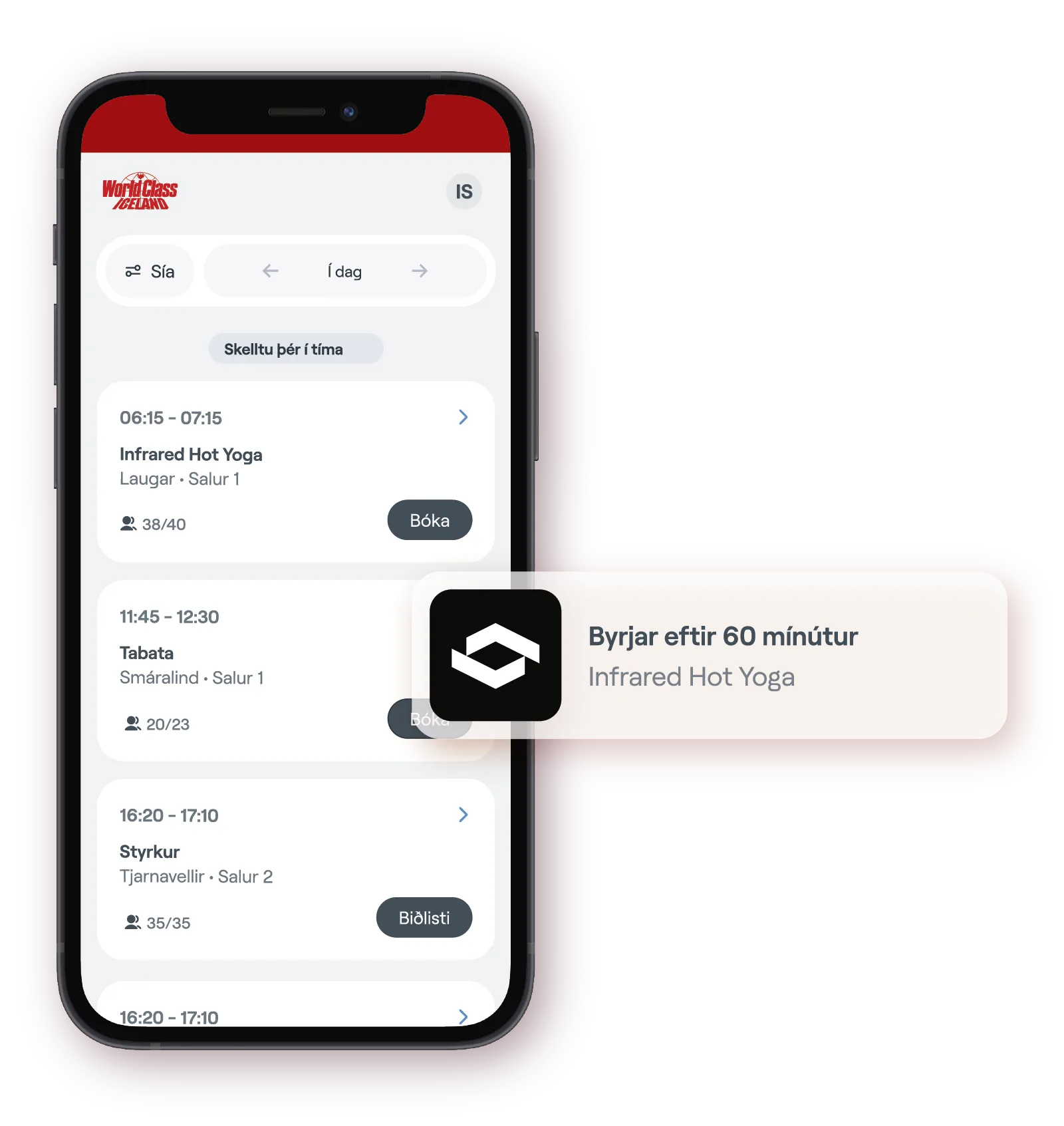
In the Abler app you book classes and manage your World Class membership. You sign in with electronic ID.
Book a class in the app
- 1
Open the Abler app and go to the home screen, or tap the house at the bottom left.
- 2
Tap “Book a class” in the top right corner. The schedule opens.
- 3
Tap “Book” next to the workout you want to join. The class then shows up in your app.
ZEESAM
The palm scanner.
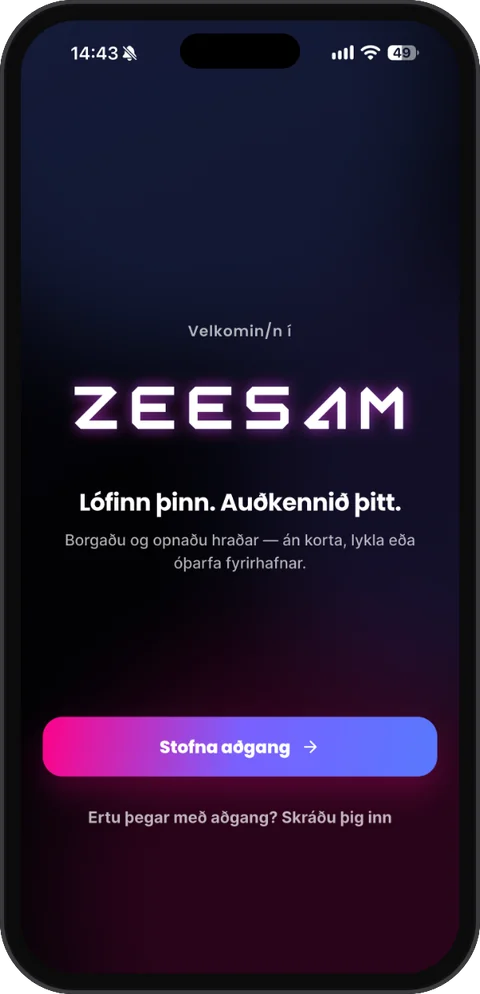
In the ZEESAM app you create an account and get the QR code you show at the front desk. You only need the app the first time. After that you walk in with your palm.
- Your palm
- An encrypted biometric template, never an image of your palm. The template belongs to your account in the ZEESAM app.
- Deletion
- In the ZEESAM app.